 Image 1 of 5
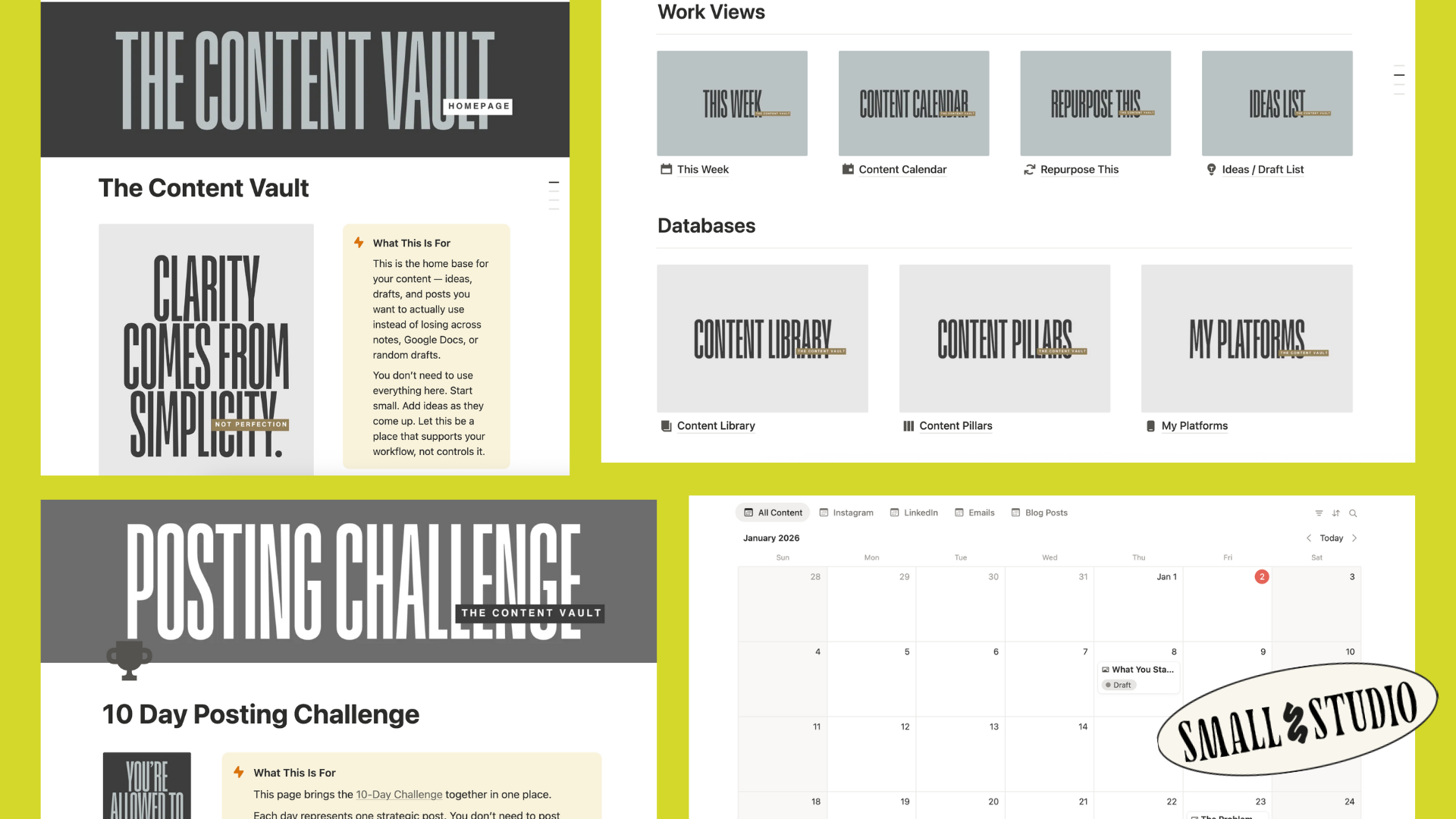 Image 2 of 5
 Image 3 of 5
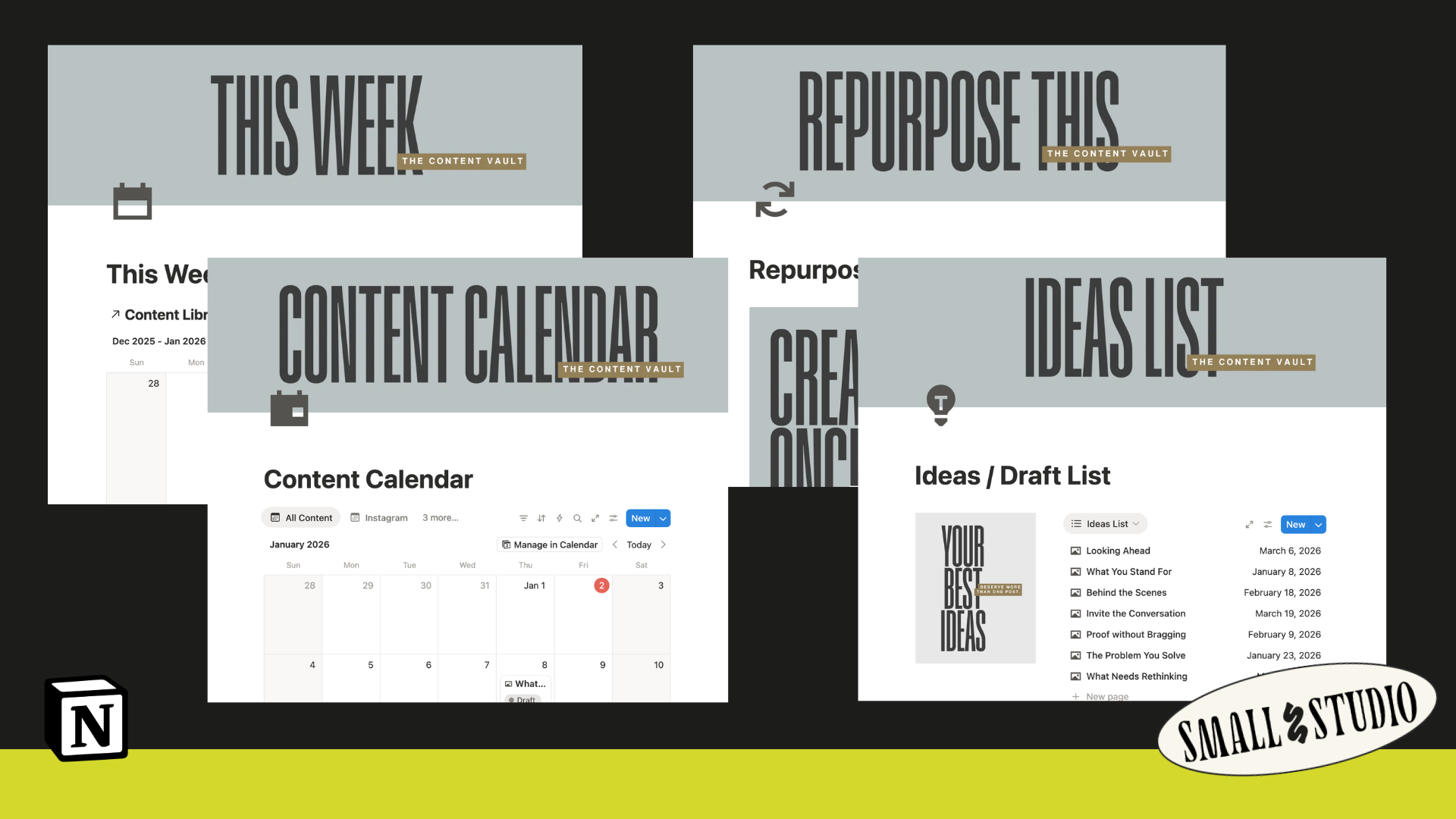 Image 4 of 5
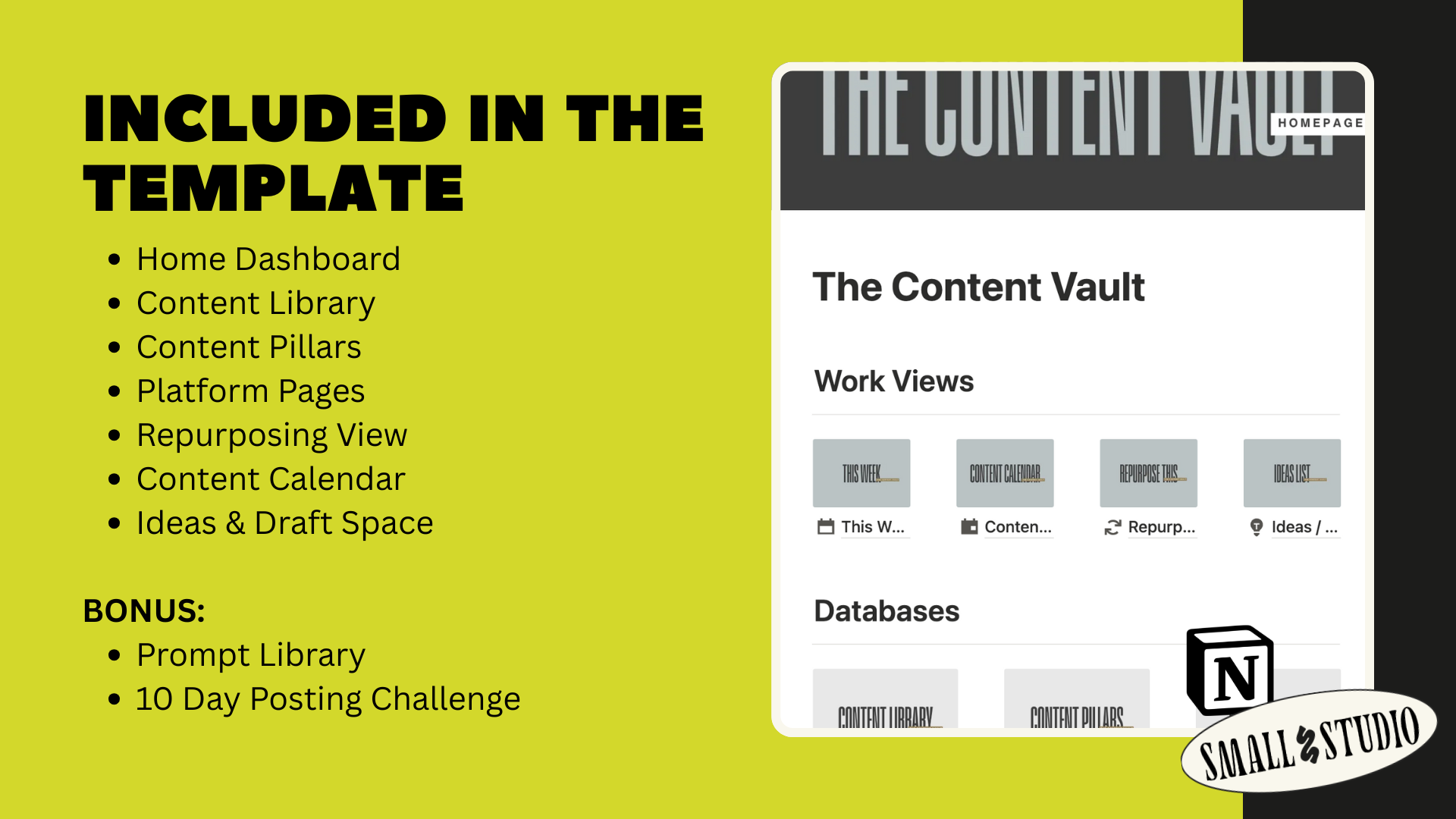 Image 5 of 5
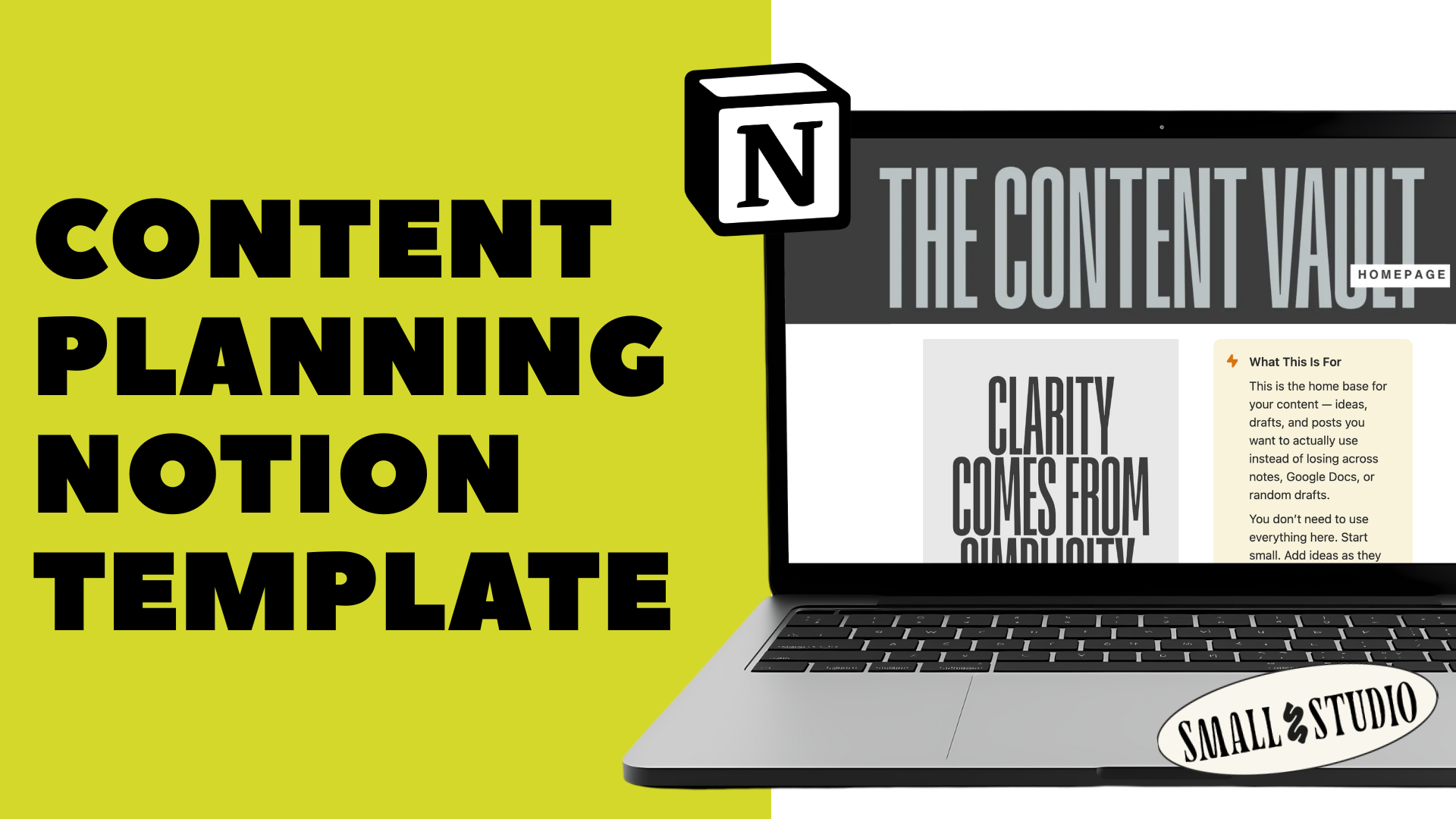
If you’ve ever had great ideas scattered across notes apps, Google Docs, drafts, and half-finished captions, The Content Vault (Lite) Notion Template was built for you.
This is a thoughtfully designed Notion workspace that gives your content one clear home — so nothing gets lost, forgotten, or recreated from scratch.
It’s not about posting more.
It’s about capturing what you’ve already created and using it with intention.
The Content Vault (Lite) helps you:
Capture ideas the moment they come up
Organize drafts and in-progress posts in one place
See what’s ready to post — without scrambling
Reuse your best ideas across platforms
Create consistency without pressure or burnout
It’s designed to support your thinking, not control your creativity.
When you download The Content Vault (Lite) Notion Template, you’ll get:
A clean home dashboard
A calm starting point with quick actions to add ideas or drafts fast.
A content library
One central place for ideas, drafts, scheduled posts, and evergreen content — tagged by pillar, platform, and status.
Pre-loaded content pillars
Example pillars that help you see patterns in your content and guide what you share next.
Platform pages
Store usernames, links, tone notes, and platform-specific context so you don’t rethink them every time you post.
A repurposing view
A gentle reminder to reuse your strongest ideas — without forcing it.
A visual content calendar
Optional planning when you want it, flexibility when you don’t.
An ideas & drafts space
A low-pressure place for messy thoughts, half-written captions, and sparks of inspiration.
A prompt library
Thoughtful starting points for days when your brain feels tired — not rules you have to follow.
A 10-Day Posting Challenge page
A dedicated space to house and revisit the full challenge as an ongoing content foundation.
A “Start Here” guide
Friendly onboarding — plus permission to delete the guidance once you’re comfortable.
This template is for:
Creators and service providers who want structure without rigidity
Business owners who feel scattered with content
Anyone who wants consistency without posting every day
Notion users who prefer simple, intuitive systems
It works whether you:
just completed a content sprint
are starting from scratch
post weekly, occasionally, or in batches
Most content systems are built around urgency and volume.
The Content Vault (Lite) Notion Template is built around:
clarity
sustainability
reuse
You don’t need to use every page.
You don’t need to follow a strict schedule.
You don’t need to be perfect.
This system works even if you spend 15 minutes a week using it.
A free Notion account
About 10–15 minutes to set up
That’s it.
You don’t need more content ideas.
You don’t need to work harder at showing up.
You need a place where the content you create doesn’t disappear.
That’s what The Content Vault (Lite) Notion Template is for.
If you’ve ever had great ideas scattered across notes apps, Google Docs, drafts, and half-finished captions, The Content Vault (Lite) Notion Template was built for you.
This is a thoughtfully designed Notion workspace that gives your content one clear home — so nothing gets lost, forgotten, or recreated from scratch.
It’s not about posting more.
It’s about capturing what you’ve already created and using it with intention.
The Content Vault (Lite) helps you:
Capture ideas the moment they come up
Organize drafts and in-progress posts in one place
See what’s ready to post — without scrambling
Reuse your best ideas across platforms
Create consistency without pressure or burnout
It’s designed to support your thinking, not control your creativity.
When you download The Content Vault (Lite) Notion Template, you’ll get:
A clean home dashboard
A calm starting point with quick actions to add ideas or drafts fast.
A content library
One central place for ideas, drafts, scheduled posts, and evergreen content — tagged by pillar, platform, and status.
Pre-loaded content pillars
Example pillars that help you see patterns in your content and guide what you share next.
Platform pages
Store usernames, links, tone notes, and platform-specific context so you don’t rethink them every time you post.
A repurposing view
A gentle reminder to reuse your strongest ideas — without forcing it.
A visual content calendar
Optional planning when you want it, flexibility when you don’t.
An ideas & drafts space
A low-pressure place for messy thoughts, half-written captions, and sparks of inspiration.
A prompt library
Thoughtful starting points for days when your brain feels tired — not rules you have to follow.
A 10-Day Posting Challenge page
A dedicated space to house and revisit the full challenge as an ongoing content foundation.
A “Start Here” guide
Friendly onboarding — plus permission to delete the guidance once you’re comfortable.
This template is for:
Creators and service providers who want structure without rigidity
Business owners who feel scattered with content
Anyone who wants consistency without posting every day
Notion users who prefer simple, intuitive systems
It works whether you:
just completed a content sprint
are starting from scratch
post weekly, occasionally, or in batches
Most content systems are built around urgency and volume.
The Content Vault (Lite) Notion Template is built around:
clarity
sustainability
reuse
You don’t need to use every page.
You don’t need to follow a strict schedule.
You don’t need to be perfect.
This system works even if you spend 15 minutes a week using it.
A free Notion account
About 10–15 minutes to set up
That’s it.
You don’t need more content ideas.
You don’t need to work harder at showing up.
You need a place where the content you create doesn’t disappear.
That’s what The Content Vault (Lite) Notion Template is for.